
AI receptionists
AI Receptionist for Dental Offices: Setup Guide
How a dental office sets up an AI receptionist for exams, hygiene, plan-list insurance answers, recall, and emergency transfers without clinical advice.
//CodeHunterz
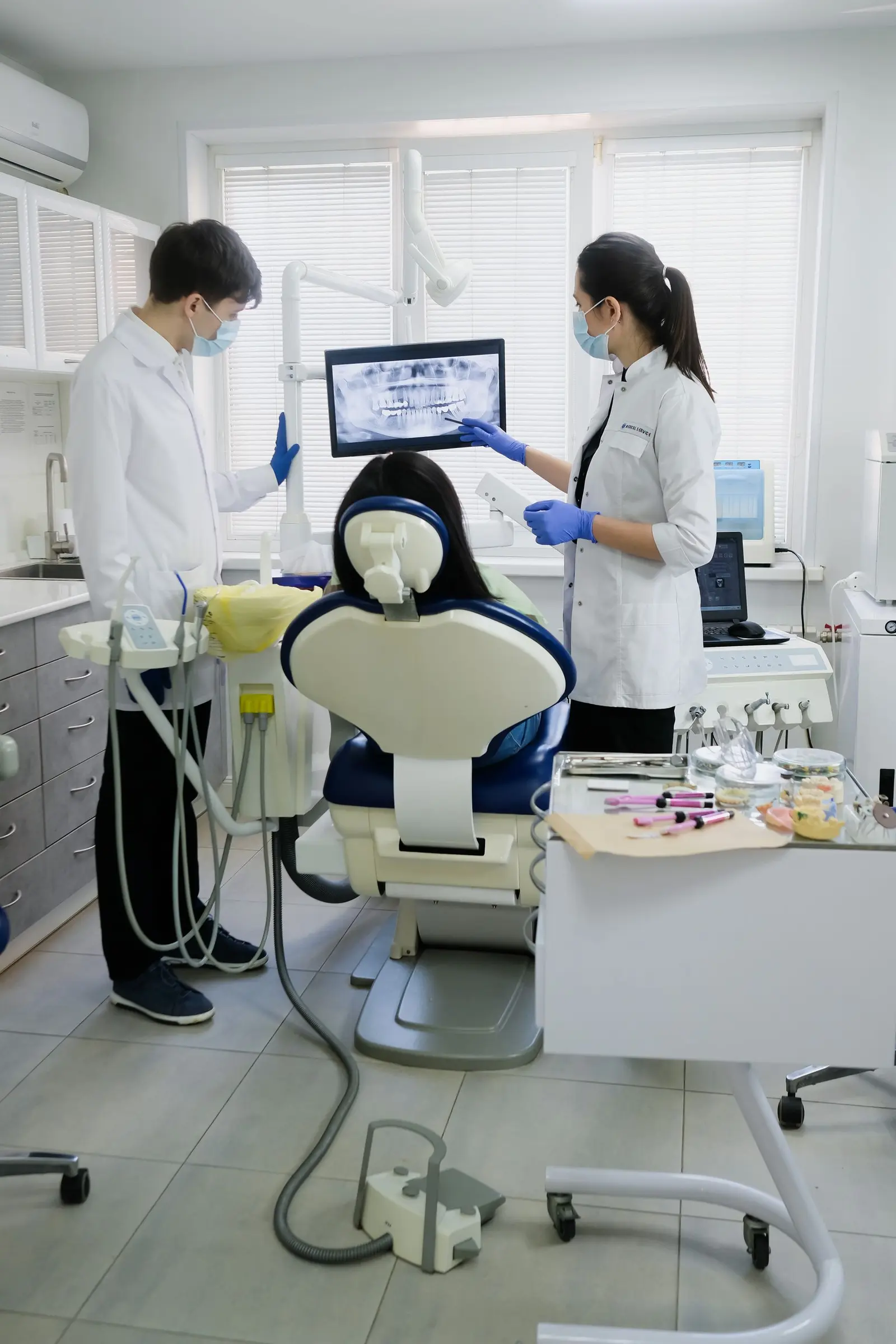
A dental AI receptionist is a phone setup that books the visits your front desk already knows how to book, answers insurance only from a list the practice maintains, and sends emergencies to a person. It is a script with a schedule connection and a set of refusals. It is not a clinician, and it is not a compliance badge you can paste on the homepage.
The calls that slip are specific. A new patient phones while the desk is checking someone out. A hygiene patient calls during lunch to move a cleaning. Someone with swelling calls after the last chair is done. In each case the next step is either a real opening, a message a person can act on, or a transfer. If the line goes to a greeting that only says to call back tomorrow, many of those callers phone the next office.
This is a setup guide for a US dental office. It is not a clinical protocol and it is not legal advice. The service page for the build is AI receptionist for small business. The dental version of that offer is AI receptionist for dentists.
What the phone is allowed to finish
Write the allowed intents before you write a friendly greeting. A small office usually has a short list, and the script should be no longer than that list.
- New patient exam.
- Hygiene visit, including recall for patients who are due.
- Reschedule and cancellation under the notice rules you already use.
- Insurance participation, read from the plan list.
- A request for a person.
- Emergency phrases that transfer or follow a written instruction.
Billing disputes, treatment plan changes, and "what is wrong with this tooth" are not on that list. Those calls go to the desk or to the clinician who already owns them. If a vendor demo books a cleaning, quotes a fee you do not publish, and then comments on a symptom, you have watched a demo, not a setup.
The general shape of greeting, intent, decision, action, and note is covered in what an AI receptionist does. Dental work is the same shape with a tighter refusal list.
New patient exams
A new patient call has a small set of facts that are actually useful the next morning. Name, callback number, whether they have been seen at this office before, the reason in their words, and a preferred window. The reason should land on a visit type you offer: exam, cleaning, or a procedure that is really on your menu. If they name a procedure you do not provide, the script says so and offers the visit you do provide, or it takes a message. It does not recruit them for treatment you will have to unwind at the chair.
What the greeting should say
Use the practice name. Say that the caller has reached the office assistant. If counsel tells you to disclose recording, the greeting includes that sentence in the words counsel approved. Offer a path to a person during the hours a person is actually there. Hiding the software makes the handoff feel like a trick, and dental callers are already deciding whether they trust the office.
Booking a new patient exam is allowed when two things are true. The office wants new patients in that block, and the schedule system exposes the opening. A white space on the book is not automatically an opening. It might be a meeting, a lab hold, or a patient who is running late and still in the chair. The office marks which blocks are public. The assistant offers those blocks and no others.
Do not let the script promise a same-day start, a specific dentist, or a treatment outcome. "We can see you for an exam" is a scheduling sentence. "We will fix this in one visit" is a clinical sentence, and it does not belong on the phone.
Hygiene visits and recall
Hygiene is a different block from a new patient exam in most offices. The length is different, the provider is different, and the chair is different. A script that treats every opening as interchangeable will fill a doctor's exam block with a cleaning, or the reverse. Map the visit types to the blocks your coordinator already uses. If the names in the scheduler are internal shorthand, translate them in the script so the caller hears "cleaning" while the book receives the code your team recognizes.
Recall is the other half of hygiene. Patients you already see are easier to put back on the book than strangers, and they still fall off when nobody calls them back. An assistant can offer a real opening to a patient who is due, by phone or by text, only under the consent and the message the practice already uses. The message should name the office, the visit type, and a way to accept or decline. It should not invent scarcity. "We are holding a spot" is acceptable only when the scheduler shows that hold.
Cancellations follow the notice rule you already enforce at the desk. If you require a full business day, the script says that and records the request. It does not argue, and it does not waive the fee unless a person on your team has that authority. A bot that negotiates policy will be the story a patient repeats.
What the script should refuse
Refusal is part of the setup, not a later patch.
- Pain advice, medication, and any sentence that sounds like a diagnosis.
- Fees that are not on a fee sheet the office is willing to have spoken aloud.
- Changes to a treatment plan that was presented in the office.
- Remaining benefits, frequencies, and "you will owe nothing."
- Requests to discuss another adult's chart without the process your front desk already follows.
When the caller hits a refusal, the next sentence is short. Take a message, or transfer if the desk is open, or transfer if the phrase is on the emergency list. Do not fill the silence with a helpful guess. A guess is how a scheduling tool starts practicing dentistry.
Insurance questions, only from the practice list
Insurance is where a fluent voice does the most damage. Models know the names of national plans. Your office does not necessarily participate with the plan this caller has, and participation changes. The only safe source is a list the practice maintains: plans you are in network with, plans you will see as out of network, and plans you do not accept. Date the list. Name the person who updates it. The script reads that list and nothing else.
If the caller names a plan that is not on the list, the answer is that a coordinator will confirm. That sentence feels slower than a confident yes. It is also the sentence that prevents a patient from driving across town for a plan you dropped.
Benefit details are a separate question. Deductibles, annual maximums, and waiting periods live in a payer portal and on a specific subscriber. The assistant does not have that chart in any honest setup, and it should not speak as if it does. "We participate with this plan" can be a list fact. "Your cleaning is fully covered" is a claim about this person. Leave the claim to verification, which a person does before the visit or at the visit, under your current process.
Read the plan name back. Ask the caller to spell it when the audio is unclear. Do not ask for a Social Security number on the open line to "make verification easier." The minimum for this call is the plan name and, if your coordinator truly needs it before the visit, the member ID your counsel and your desk already agree to collect. When in doubt, collect less and let the desk finish verification in the office.
Emergencies are transferred, not diagnosed
Swelling, trauma, uncontrolled bleeding, a knocked-out tooth, and trouble breathing or swallowing are not booking problems. The dentist writes the phrase list. The office writes the destination: an on-call phone that a person answers, or a written instruction when nobody is on call. The assistant matches the phrase and follows that path. It does not score severity. It does not say whether the tooth can be saved. It does not recommend a medication.
If the on-call phone is not staffed that night, the script has to say so in words the dentist approved. A transfer that rings and dies is voicemail with extra steps. Some offices use a simple instruction for the uncovered window, such as seeking emergency care, and then take a message so the office calls in the morning. That instruction is a clinical and legal decision for the practice, not a line a vendor should invent in a prompt.
Callers who are scared will keep talking. The script can say that a person needs to hear this, then transfer or deliver the instruction. It should not interview them into a case history. A long symptom story stored in a transcript is more data than the booking required, and it tempts the next editor to add "helpful" clinical replies. Keep the emergency path short.
Schedule systems only when they expose real openings
Live booking is allowed when the system you already use can show availability and accept a write that staff can see. Dentrix, Eaglesoft, Open Dental, and a separate online scheduler each behave differently, and some offices only get a request that a person confirms. Check the connection before you promise patients a booked time. A prebuilt connector you have not tested against your own blocks is a slogan.
When the scheduler cannot share availability
Use a request. Collect the preferred windows, say clearly that the time is not booked yet, and have a person confirm. The confirmation text should use the same honesty. "We received your request" is accurate. "You are booked" is accurate only after the book says so.
Write down the failure cases before go-live.
- The schedule connection times out mid-call. The assistant stops claiming a time and takes the request.
- Two calls take the same opening. The system needs a lock, or you do not offer live booking.
- A block was public this morning and the coordinator closed it. The assistant has to see the close, not a cached morning list.
- A patient asks to move an existing visit. Confirm identity the way your desk already does before the book changes.
Staff still own the book. The morning list of calls is a work queue, not a pile of audio. Each row should show the caller, the visit type, what was booked or requested, and whether a transfer happened.
Privacy, recordings, and the business associate question
A dental office handles health information. A voice tool that stores names, reasons for a visit, and audio is part of that handling. Nothing on a vendor homepage makes the setup compliant. Compliance is a set of decisions: what you collect, where audio and transcripts live, who can open them, how long you keep them, and which contracts exist with the companies that touch them.
Ask the vendor, in writing, whether they will sign a business associate agreement, where recordings are stored, whether calls are used to train a model, and which of their staff can open a transcript. Ask your counsel whether this workflow needs that agreement and what the minimum fields are for a scheduling call. If a vendor will not sign an agreement your counsel says you need, do not use that vendor for this line. Do not publish a HIPAA badge because the sales page used the word.
The deeper checklist, still not legal advice, is HIPAA questions for an AI receptionist. Read it with the person who is responsible for privacy at the practice, not as a substitute for them.
What not to collect on this call
Name, callback number, visit type, preferred window, and the plan name from your list are usually enough to move a scheduling call forward. A full medical history, a medication list, a card number, and a long description of symptoms are not scheduling facts. Staff can confirm identity and update the chart in the office, where you already have a process. The phone assistant should not build a chart because a model is willing to ask more questions.
Say who inside the practice can read transcripts. The office manager and the front desk often need the scheduling note. The whole vendor company does not. A marketing login does not need the reason for a visit. Access is a named list, reviewed when someone leaves the office.
The website and the ads have to match the script
The phone will repeat whatever you approve. If the website says you are closed Thursday and the script offers Thursday hygiene, the patient is right to be angry. Hours, the procedure list, the cities or neighborhoods you serve, and the insurance language should be the same sentences in both places. A dated insurance page on the site and a dated plan list in the script are the same maintenance job.
The site still does work the phone cannot do. It shows this office, explains a procedure in calm writing, and lets someone request a visit without talking. That build is dental website design. How the profile, the pages, and the phone fit together as marketing is covered in dental marketing ideas that bring in new patients. If those pages are also buying clicks, the campaigns should match the same visit types: Google Ads for dentists. Fix the listing and the pages if they contradict the script. Do not expect the assistant to paper over a site that names services you do not offer.
A setup sequence for a small office
Do this in order. Skipping to the published number is how a Monday morning becomes a pile of bad bookings.
- For one week, write down why people called. Use staff notes or the call log. You want the real mix, not a generic dental script from a vendor.
- Mark each reason as book, message, transfer, or refuse.
- Build the plan list and name the person who updates it.
- Test whether the scheduler exposes real openings and can take a write your team will see. If it cannot, design the request path and the confirmation wording.
- Have the dentist sign the emergency phrase list and the destination number or the uncovered-hours instruction.
- Take the vendor questions and the business associate question to counsel before any patient audio is stored.
- Pilot after hours, or on a number that is not on the Google Business Profile yet. Call it yourself: a new patient exam, a cleaning, a plan that is on the list, a plan that is not, a swelling call, a request for a human, and a fee you do not publish.
- The office manager reads every transcript from the pilot and edits the script. Then, and only then, consider the main number.
Track answered calls, bookings or requests created, and transfers. Those counts tell you whether the setup matches the office. They do not tell you that you will rank higher or that a percentage of callers will book. The AI Receptionist plan starts at $600 per month after a 20% launch offer (regular starting price $750 per month), plus setup. The written quote still follows the hours, the scheduler, and the handoff. Limited-time launch offer, final quote after free strategy call.
What the front desk still owns
The assistant covers the gap. It does not own the relationship. Patients at the desk, complaints, clinical questions after an exam, insurance verification inside a portal, and anyone who asks for a person during staffed hours stay with the team. If the transcripts show the same refused question every day, that is a cue to put a plain answer on the website or to train the desk, not a cue to let the model improvise.
A calm setup is a narrow one. Exams and hygiene against real openings, insurance from the list, recall only with consent and a true slot, emergencies transferred, and privacy questions answered by the vendor and by counsel before you go live. That is the whole job.
What else do people ask?
Q01Can an AI receptionist book a new patient exam?
It can offer a new patient exam when the schedule system exposes an opening the office marked as bookable. If the system cannot share a real opening, the call collects a preferred window and a person confirms. The assistant does not invent a chair time.
Q02Can it say whether the office takes an insurance plan?
Only from the plan list the practice maintains. If the plan is not on that list, the honest line is that a person will confirm. The assistant should not guess from general knowledge or quote remaining benefits.
Q03What should happen on a dental emergency call?
The call transfers to the on-call clinician, or it reads the emergency instruction the dentist approved. It does not diagnose swelling, trauma, or bleeding, and it does not estimate whether a tooth can be saved.
Q04Does a business associate agreement make the setup compliant?
No. An agreement is one question for the vendor and for counsel, along with minimum data, recordings, and who can read transcripts. No product is compliant by existing. This page is not legal advice.
Q05Will this replace the front desk?
It covers calls the desk cannot take, especially during a procedure and after hours. Checkout, complaints, treatment questions, and patients standing at the desk still belong to people.
Written for US small business owners by the CodeHunterz team. This is general information, not a promise of rankings, leads, or savings. The service behind this guide: continue to the service page.